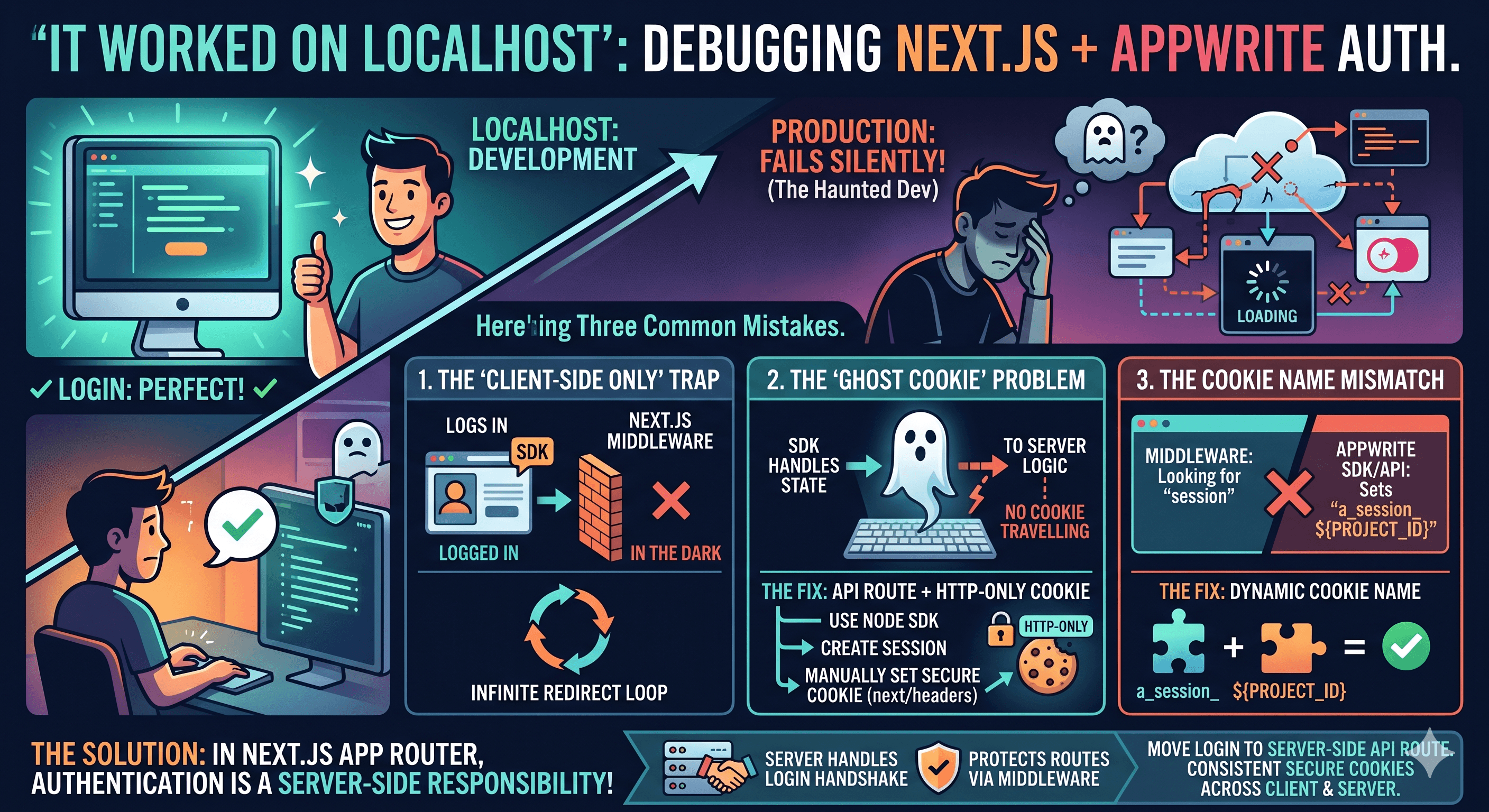
3 Common Mistakes that Break Authentication in Next.js (and how to fix them)
"It worked on localhost" is a phrase that haunts every developer.
I recently debugged a Next.js + Appwrite integration where the login worked perfectly in development but failed silently in production. It turned out to be a combination of these three common mistakes.
1. The "Client-Side Only" Trap
The Mistake: Using a Web SDK (like Appwrite, Firebase, or Supabase) to log in directly on the client side.
The Consequence: While the browser "knows" you are logged in, your Next.js Middleware and Server Components are left in the dark. This leads to an infinite redirect loop.
2. The "Ghost Cookie" Problem
The Mistake: Relying on the SDK to automatically handle session persistence across the server.
The Consequence: Many SDKs handle state in a way that doesn't automatically travel with HTTP requests to your server logic.
The Fix: Move your login to a Server-Side API Route. Use the Node SDK to create the session, then manually set a secure, HTTP-only cookie using next/headers. This ensures the session is available to both the client and the server.
3. The Cookie Name Mismatch
The Mistake: Hardcoding a generic cookie name like "session" in your middleware while the SDK/API is setting a different one.
The Consequence: Your Middleware will never find the session, even if it's right there in the browser.
The Fix: Construct your cookie name dynamically to match exactly what the backend expects (e.g., a_session_${PROJECT_ID}). Consistency is key for security.
In the Next.js App Router world, Authentication is a Server-side responsibility. If you need to protect routes with Middleware, your Server needs to be the one handling the login handshake.